THE RUNPHASE HANDBOOK
From plan
to proof.
A clear path through every change. Learn to prepare,
execute, verify, and record your work in Jira.
Find your way
All documentationOne change, from plan to proof.
Two short chapters on the real Runphase screens: where to find it in Jira, then one change from an empty plan to the finished record. Watch it play, or click through it yourself.
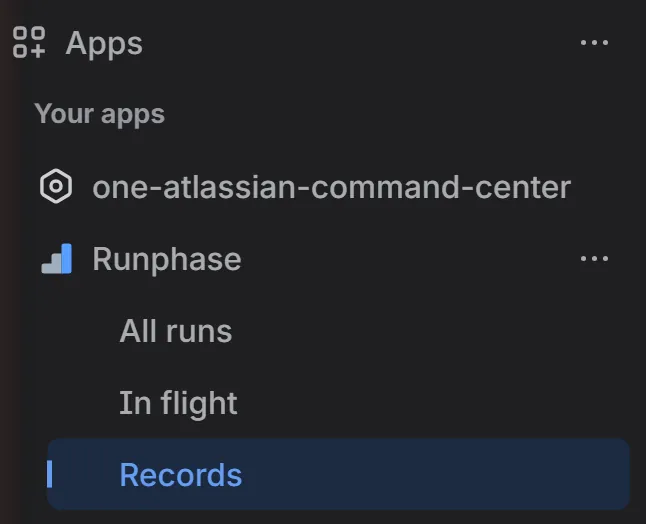
Open Runphase from the Jira sidebar
Once installed, Runphase sits under Apps in the Jira sidebar. Click it to open the full page.
Finding Runphase →Press Play to watch, use the arrows to step through, or choose Try it yourself and click the highlighted control on each screen.Click the highlighted control on each screen to move on. The arrow keys work too.
Chapter 1 is Jira itself. Chapter 2 is a sample change, ITO-9642, run from start to finish on the real app. Screenshots show the app’s dark theme; the handbook can be read in light or dark mode.
Two ways in. Every run connected.
A little help from a real person.
Questions about your run? We’re here to help.